Screenshotswith one key.
A tiny Mac menu bar app. Tap a key, drag over what you want, and it's on your clipboard, ready to paste.

Four keys down to one.
macOS can already copy part of your screen, but the shortcut is a four-key chord that takes a whole hand and pulls you out of what you're doing. Snapkey makes it a single tap of the key next to your trackpad.
Tap. Drag. Paste.

Tap
Tap your capture key on its own. Shortcuts that use the same key, like ⌘C, are ignored.

Drag
Drag over the part of the screen you want and let go. Press Esc to cancel.

Paste
The shot is already on your clipboard. Press ⌘V wherever you need it.
Several shots, one paste.
Tap a second key and the next shot is added to your clipboard instead of replacing it. Grab three or four things in a row, then paste them all at once.
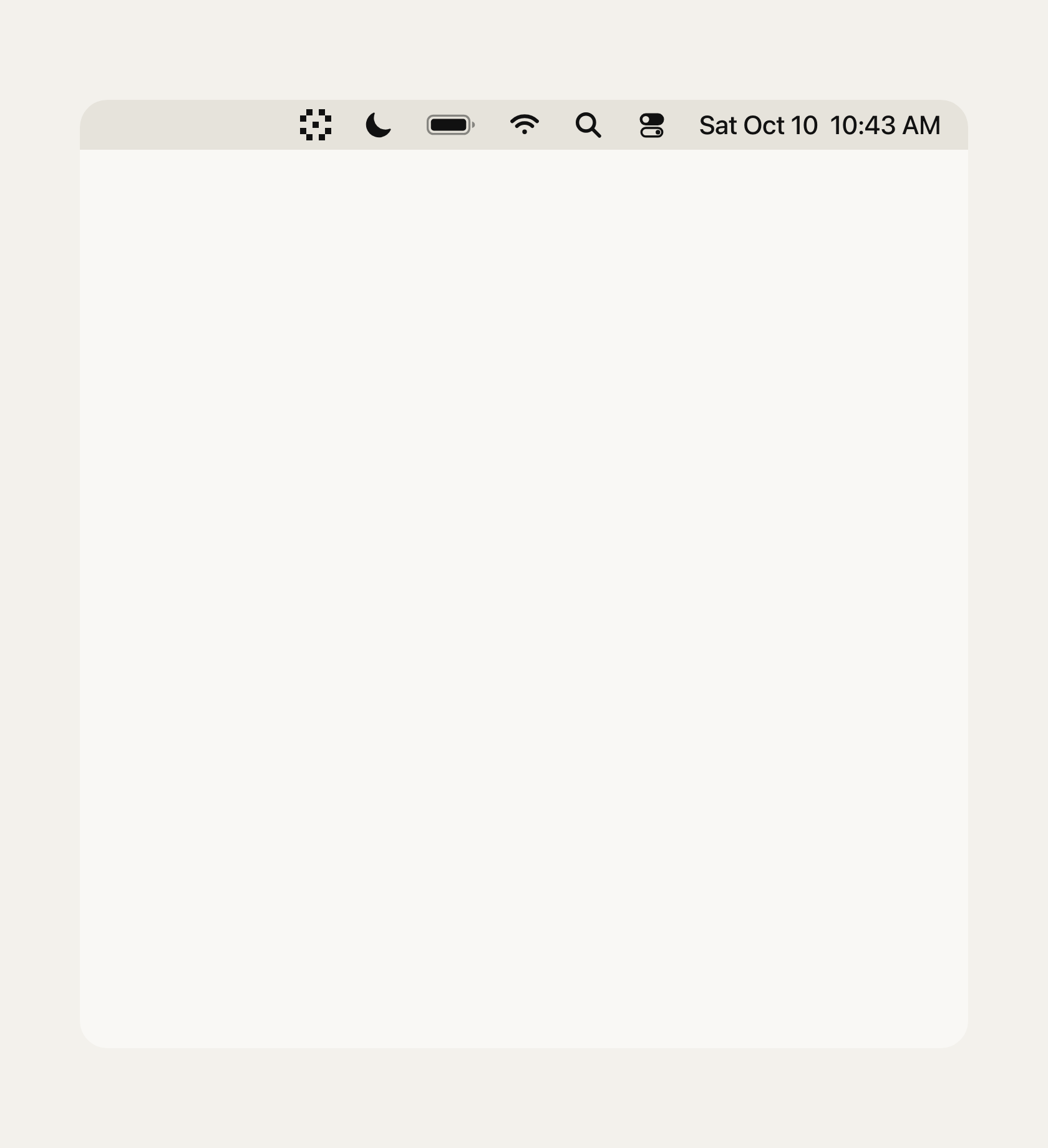
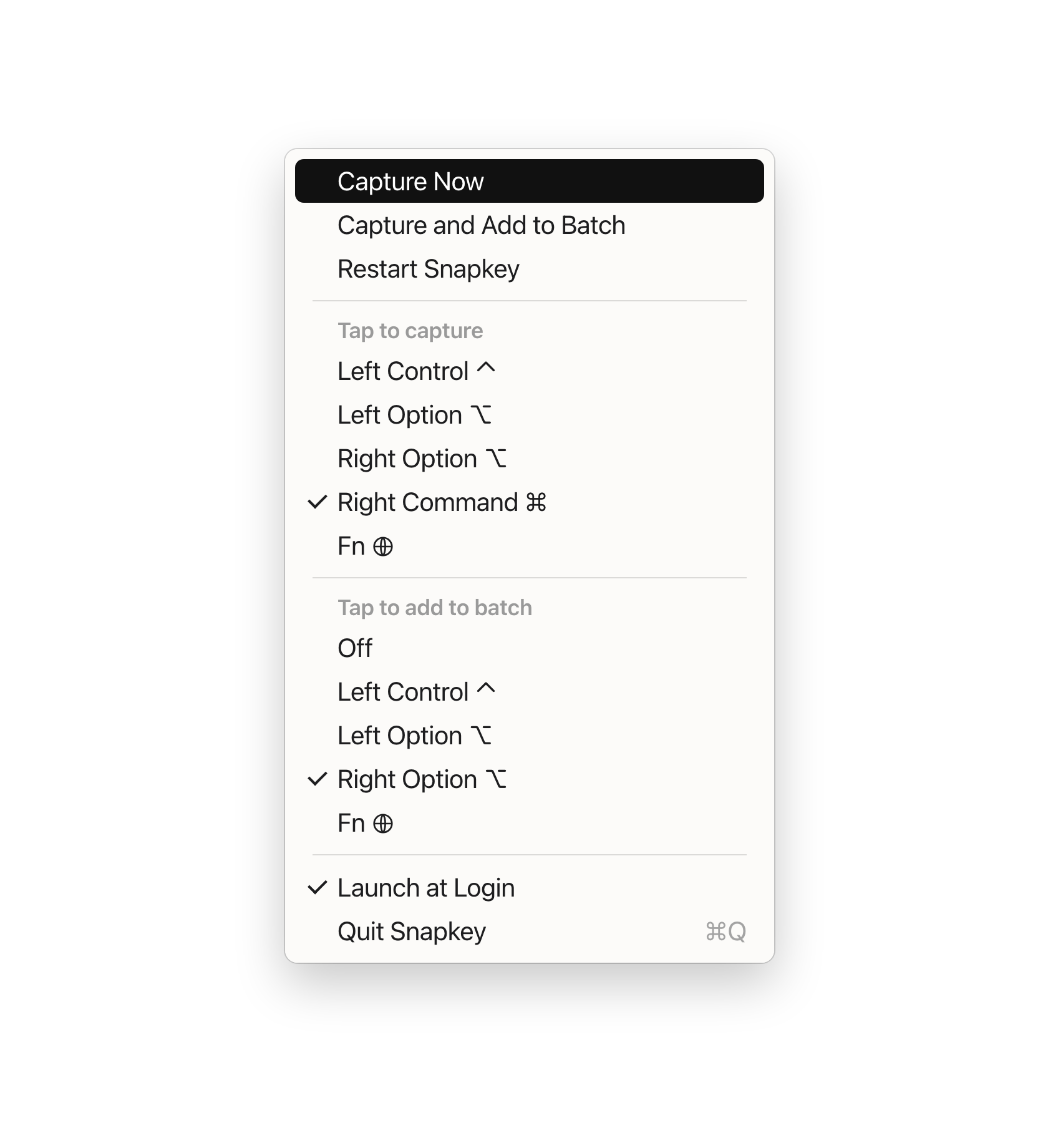
Lives in your menu bar.
Pick the key that captures and the key that batches. Turn on Launch at Login. There are no other windows and nothing else to set up.
Right at home on your Mac.
Download the disk image, drag Snapkey to Applications and open it. A welcome window walks you through the one permission it needs.